Wi-Fi 7 vs Wi-Fi 6E: Is It Actually Worth Upgrading Your Home Router?
A faster router does not automatically make a slow broadband connection faster. Wi-Fi 7 adds useful capabilities, but the value of an upgrade depends on your devices and home network.
What is different?
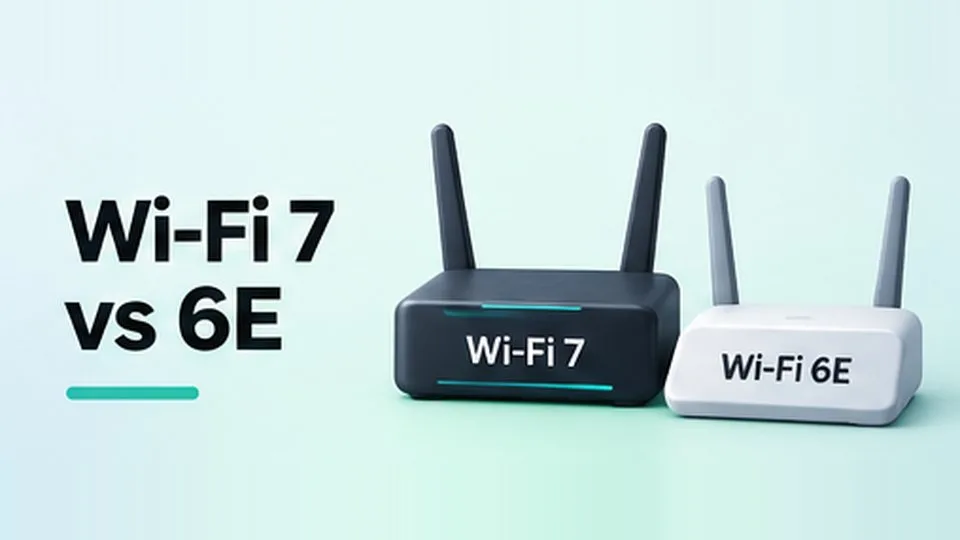
Wi-Fi 6E extends Wi-Fi 6 into the 6 GHz band where permitted. Wi-Fi 7 adds Multi-Link Operation, wider channels of up to 320 MHz in supported 6 GHz spectrum and higher-order modulation under favorable signal conditions. These features can improve wireless capacity and link behavior.
Where you may see benefits
- Fast local file transfers between compatible computers and network storage.
- Multigigabit broadband with capable router ports and client devices.
- Demanding households where multiple clients compete for airtime.
When an upgrade makes little sense
If your existing router reliably covers your rooms and your broadband connection is the limiting factor, replacing it may produce little noticeable change. Wider channels need appropriate spectrum and signal conditions. Older clients do not gain all Wi-Fi 7 features simply by connecting to a newer router.
Check these details before buying
Look at the router's Ethernet ports, supported bands, software update policy and mesh backhaul. Confirm the wireless features your phone or laptop actually supports. A wired connection or better router placement may solve the problem more economically.
Measure before upgrading
Test a wired connection as a baseline, then measure Wi-Fi in your most-used rooms. Compare latency and reliability as well as speed. Buy for the bottleneck you can demonstrate rather than the largest number on a box.
Further reading: Wi-Fi Alliance.
Engagement
Comments