The 3-2-1 Backup Rule: How to Protect Your Photos, Files and Digital Life
A failed SSD or stolen laptop should not erase years of photos and projects. The 3-2-1 backup rule provides a practical starting point for preventing that outcome.
What does 3-2-1 mean?
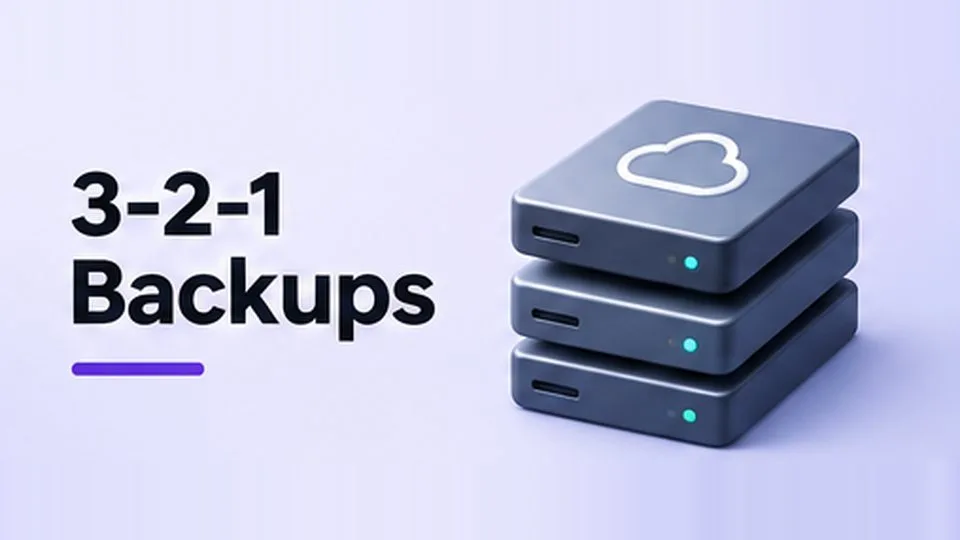
- Three copies of your data, including the working copy.
- Two different storage media or storage systems.
- One copy kept offsite.
For a home user, this could mean files on a computer, an encrypted external drive and a cloud backup with version history. Disconnect the external drive when the backup is complete to reduce exposure to ransomware.
Cloud sync is not always backup
Synchronization can propagate accidental deletions and corrupted files. Check retention periods, deleted-item recovery and version history. Store original photos rather than relying on compressed social media uploads.
A simple backup routine
| Frequency | Task |
|---|---|
| Daily | Back up active documents |
| Weekly | Update your external copy |
| Monthly | Restore and open a sample of files |
Protect the backup
Encrypt sensitive data, use strong authentication for the cloud account and store recovery keys separately. Remember project configuration, database exports and important account recovery information. Choose a retention policy appropriate to your needs.
Test the restore
Restore a folder to a separate location. Check that its files open, the dates are correct and the data is complete. A backup is only useful if you can recover it when needed.
Further guidance: CISA StopRansomware resources.
Engagement
Comments